
Event Hub
UI/UX · App Design · Digital Platform · 2026
Overview
Event Discovery & Ticketing
Event Space is a mobile event discovery and booking app designed to connect people with experiences happening around them — concerts, festivals, tech events, and more.
The goal was to create a modern, user-friendly mobile experience with intuitive navigation that makes discovering and attending events effortless.
My Role
UI/UX Design Lead
As the UI/UX Designer, I was responsible for the overall experience and visual direction of the Event Hub mobile app.
My responsibilities included
- Understanding the project concept and user goals
- Defining the application's visual direction
- Planning the information architecture
- Designing the navigation structure
- Creating onboarding and welcome screens
- Designing the home / discovery feed
- Building event cards, categories, and detail views
- Designing search and filter interactions
- Creating the booking and confirmation flow
- Establishing typography and color systems
- Ensuring consistency across all screens
- Preparing high-fidelity mockups
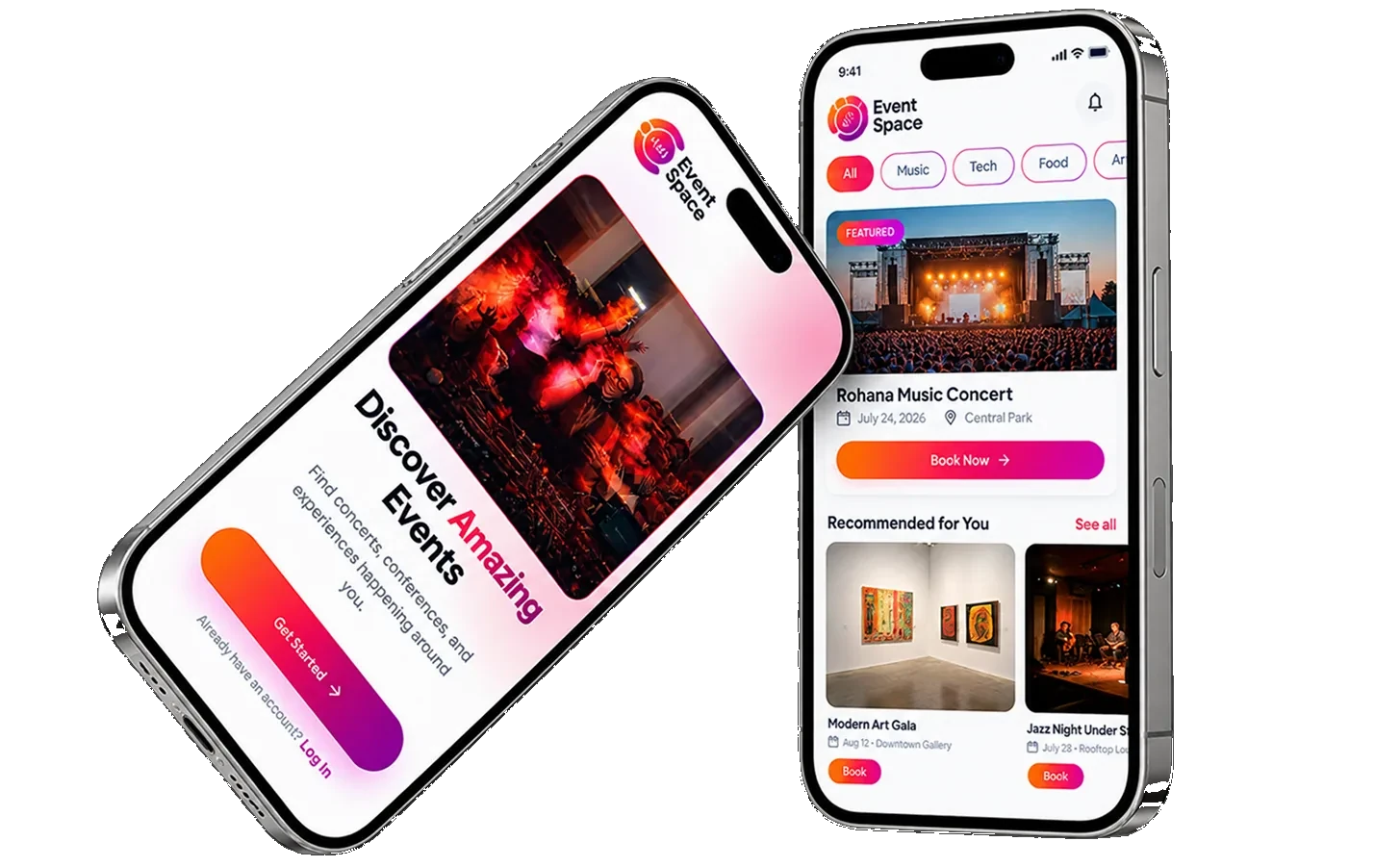
- Presenting smartphone mockups for review
My overall goal was to create an engaging mobile experience that makes event discovery simple and enjoyable.
Deliverables
Flow Diagrams
UX Design
- User flow
- Information architecture
- Screen layout planning
UI Design
- Mobile interface design
- Onboarding screens
- Home screen
- Event categories & details
- Booking interface
- Typography & color systems
Final Presentation
- High-fidelity screens
- Smartphone mockups
- Visual presentation
User Flow
Onboard · Sign Up · Login
New users register, verify via OTP and set preferences. Returning users log in directly to Home.
Welcome
Get Started / Log In
Sign Up
Name, email, phone, password
OTP Verify
4-digit code confirmation
Interests
Multi-category selection
Location
Use current or choose city
Notifications
Enable / Skip
Home
Discovery feed
Welcome
Returning user
Login
Email + password
Home
Discovery feed
- New user path
- Returning user path
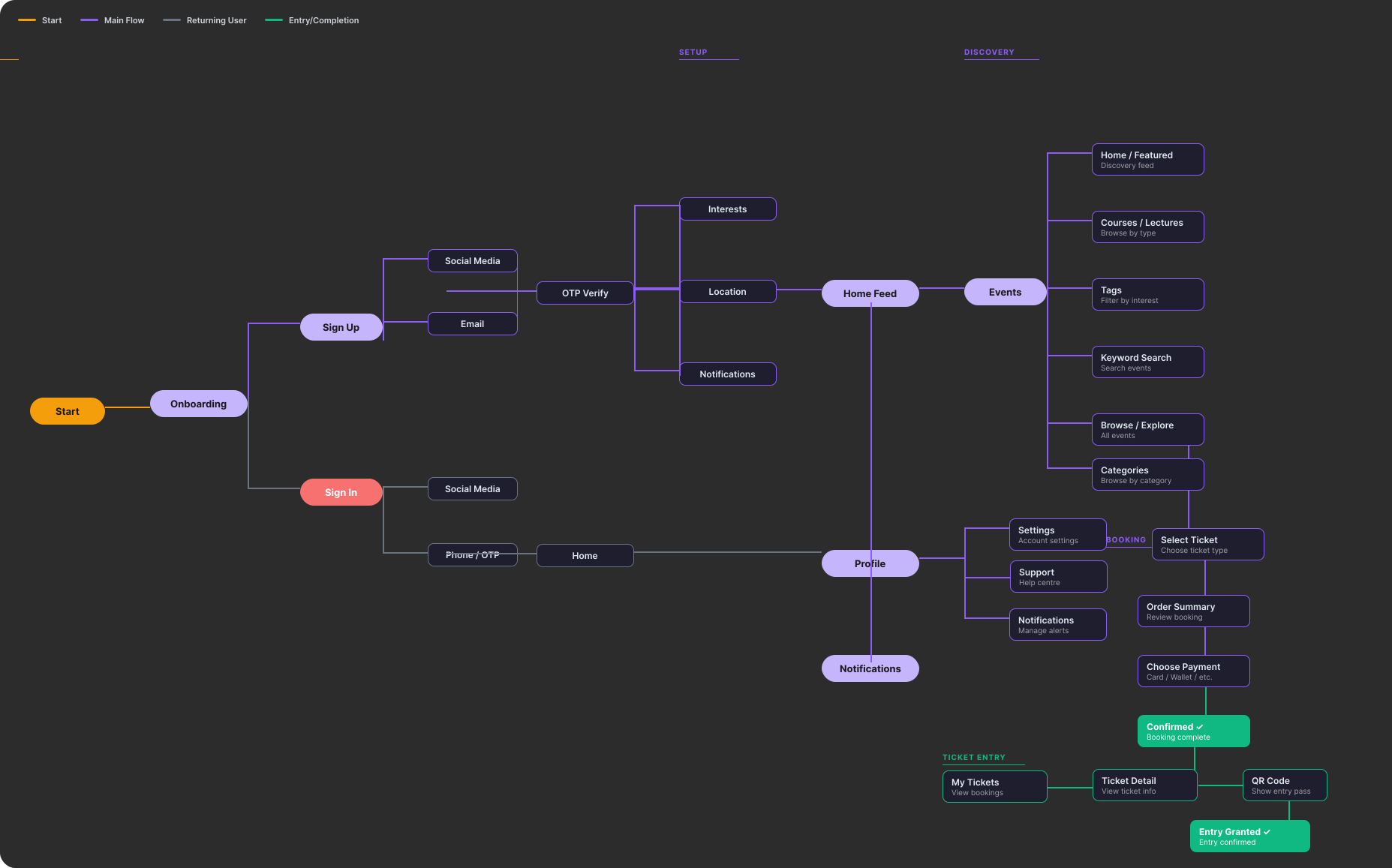
Authentication Journey
Onboarding Screens
Seven screens covering first launch, sign-up, verification, login, and preference setup.
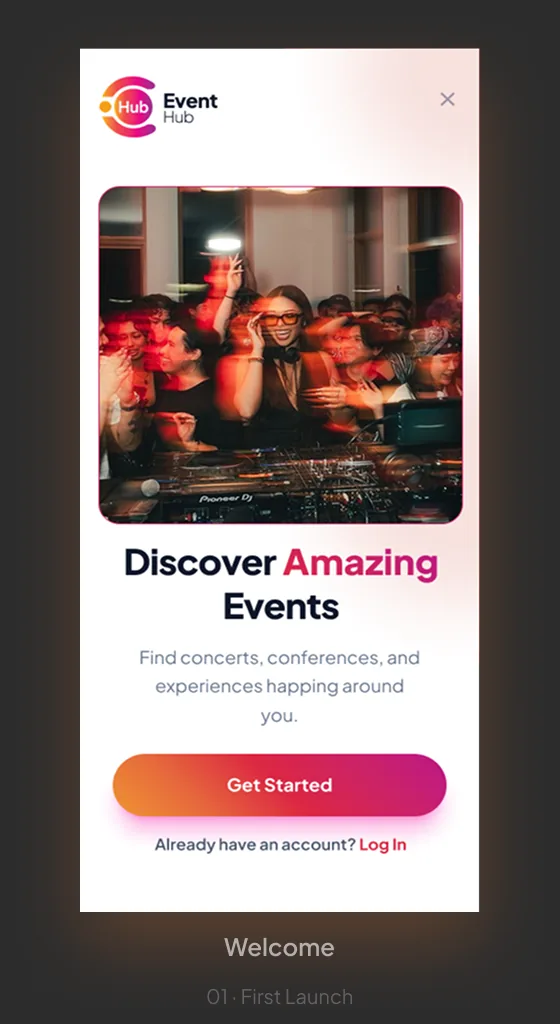
01Welcome · First Launch 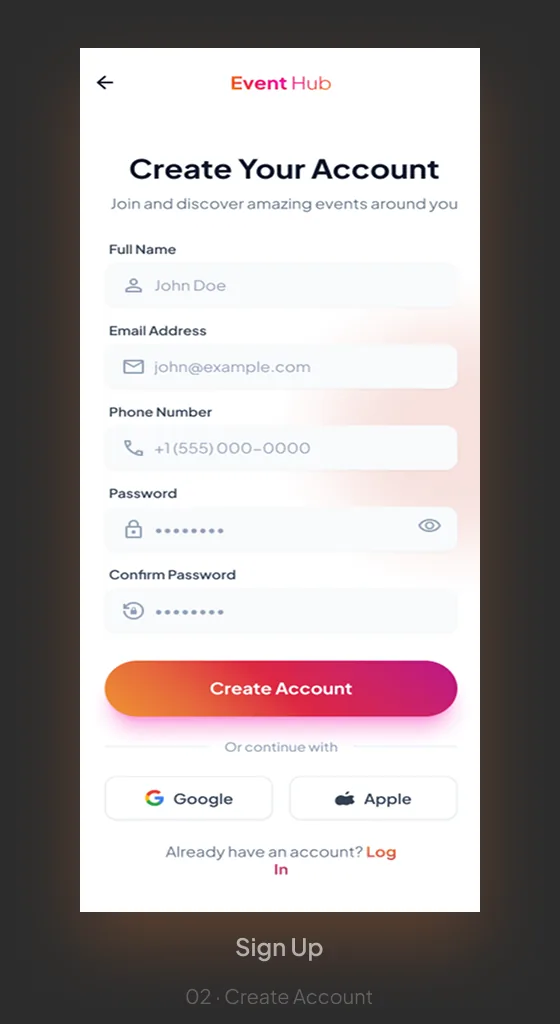
02Sign Up · Create Account 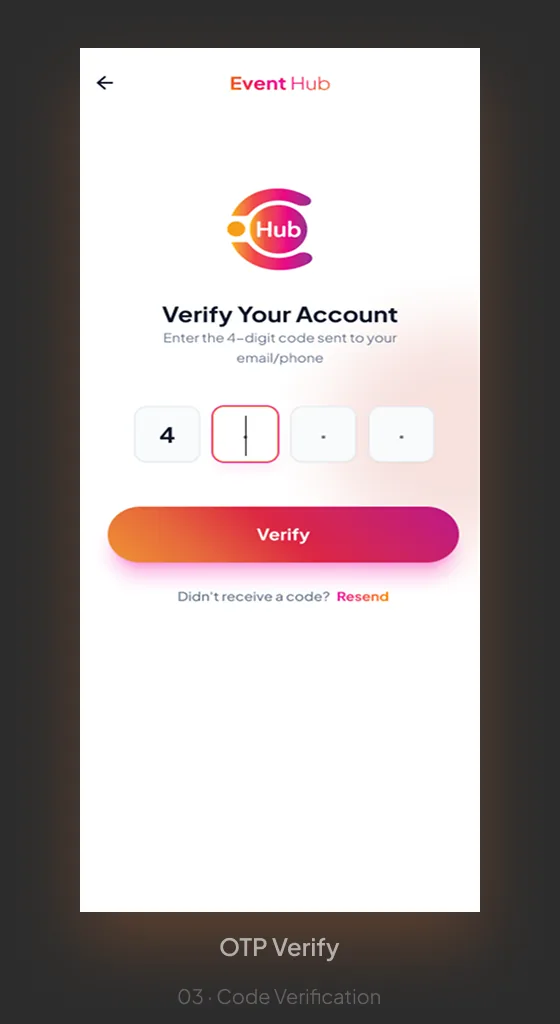
03OTP Verify · Code Verification 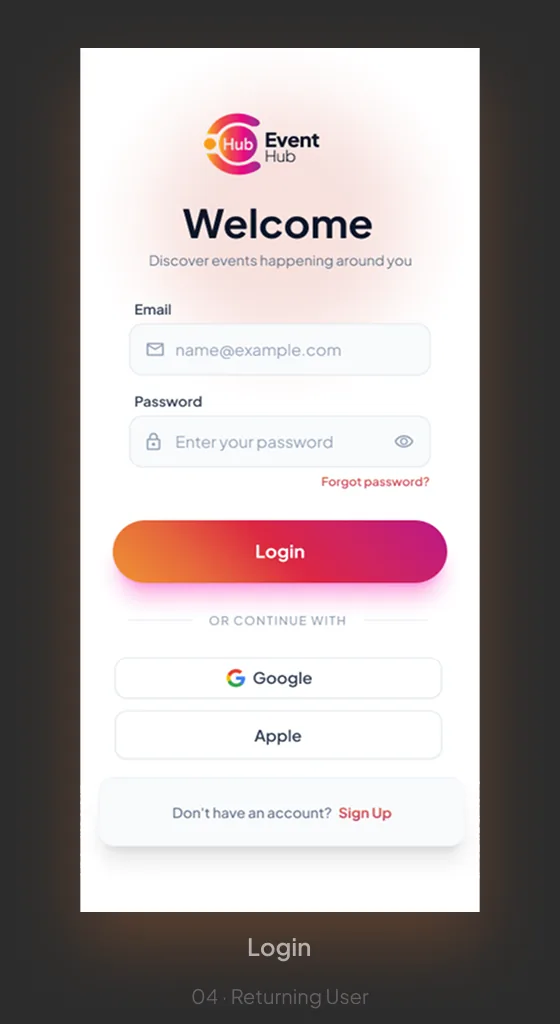
04Login · Returning User 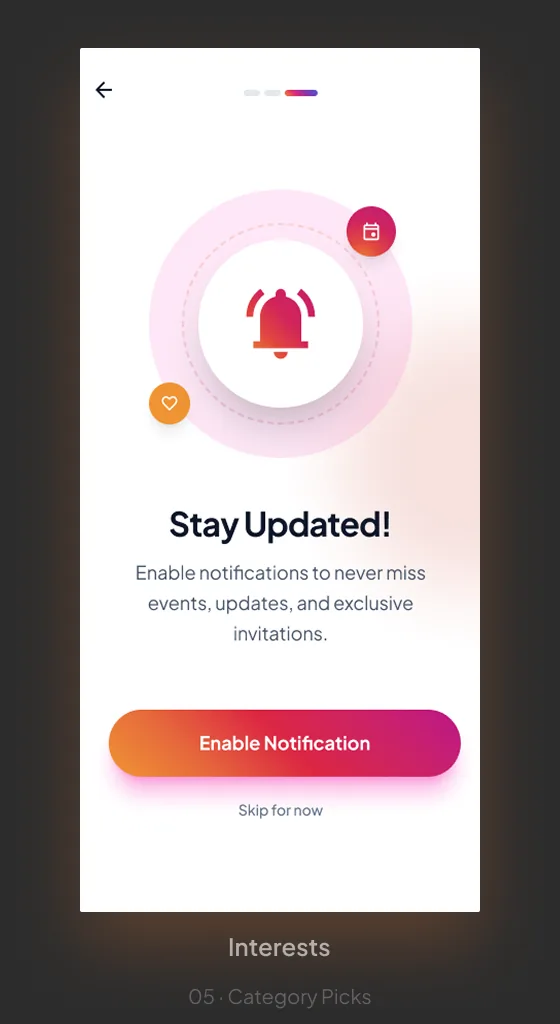
05Notifications · Stay Updated 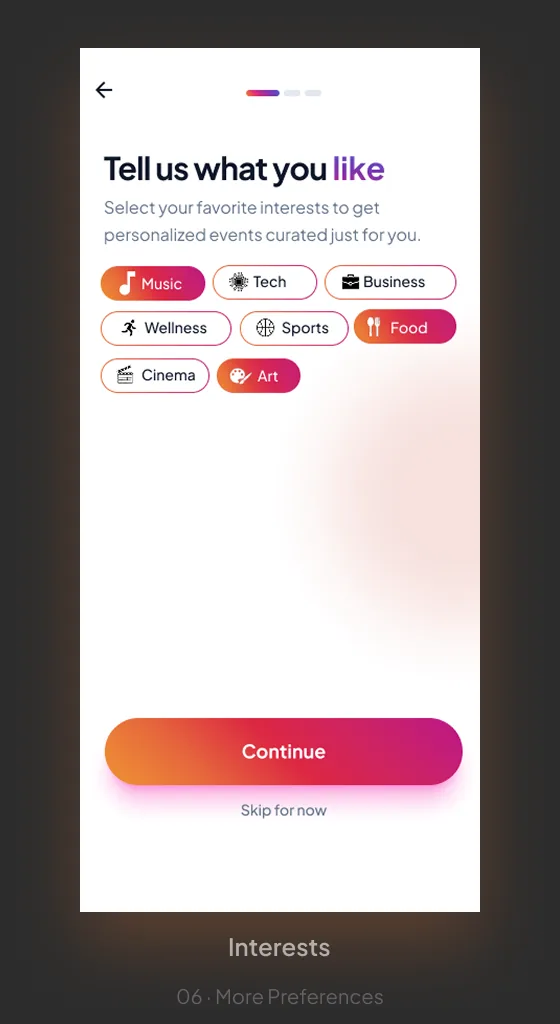
06Interests · More Preferences 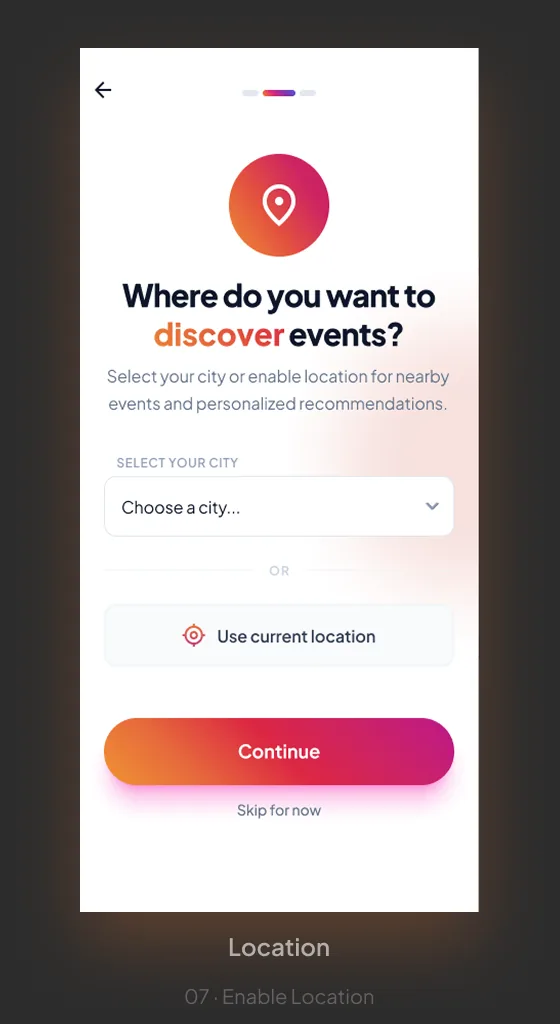
07Location · Enable Location
Visual System
Colour · Type · Components
Colour Palette
Brand Gradient
#EA7B38 → #C82070
Dark Surface
#0F172A
Light Surface
#F8FAFC
Secondary Text
#64748B
Success
#22C55E
Glass / Frosted
rgba(255,255,255,0.10)
Chip / Tag
#F1F5F9
Accent / Alert
#DC2743 → #BC1888
Typeface — Plus Jakarta Sans
Event Hub Aa
Heading / Bold 700
Subheading / SemiBold 600
Body / Regular 400 — legible at every event card size
Label / Bold 700 · Uppercase · 1.4px tracking